
Supplier Import in RPM
The Supplier import in RPM can mass create new Suppliers or updates basic field data for existing Suppliers via a spreadsheet.
What the Supplier Import Does
- Creates new Suppliers in RPM
- Updates Supplier contact information
- Updates other internal data related to Suppliers
Import Template
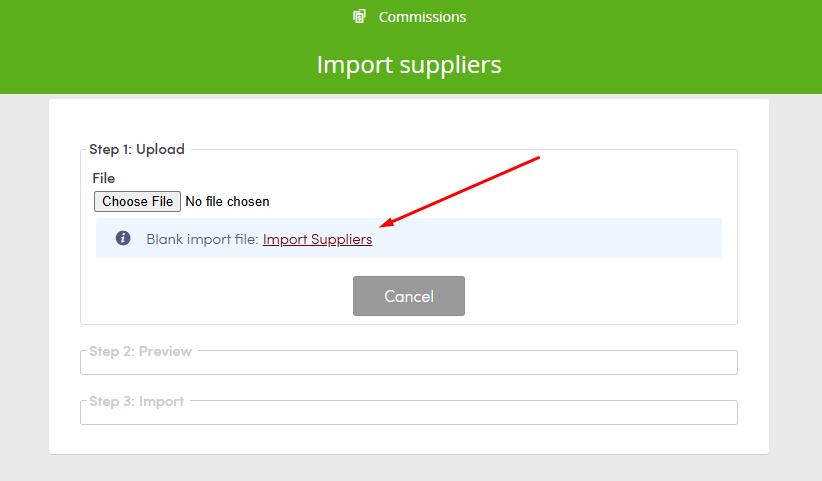
RPM provides a blank import template on the Supplier import page. The template defines the required column structure for the spreadsheet.
Steps to Import Suppliers
- Go to Top menu >> Suppliers >> Import.
- Download the blank import template from the import page.
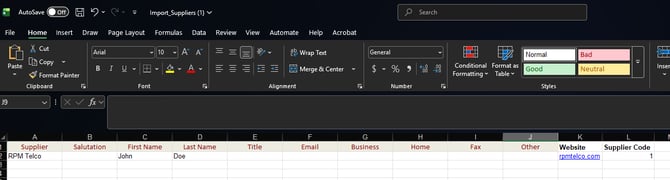
- Enter the Supplier data into the template.
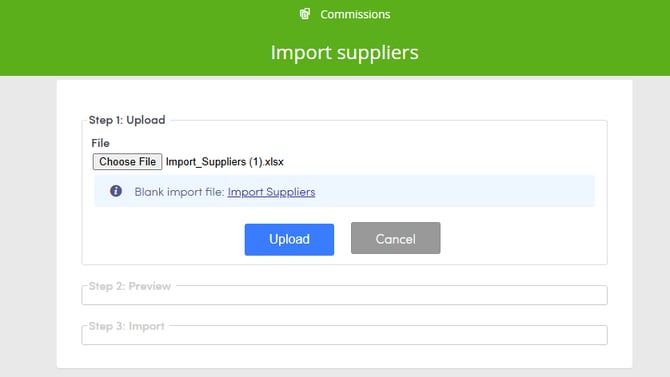
- Upload the completed spreadsheet.
Column Requirements
- Keep all existing template columns in their original positions. Moving an existing column causes RPM to display an error message.
- Add custom basic fields as new columns after column J.