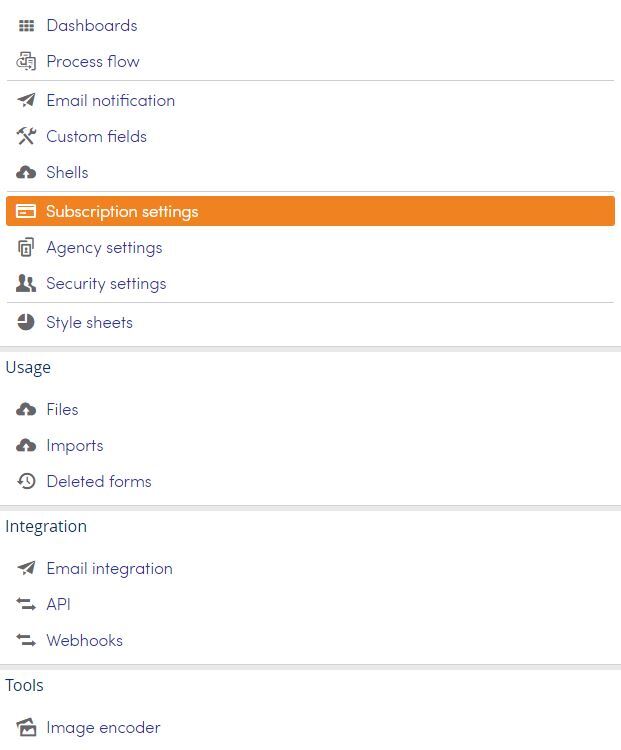
Top menu >> Setup >> Subscription settings
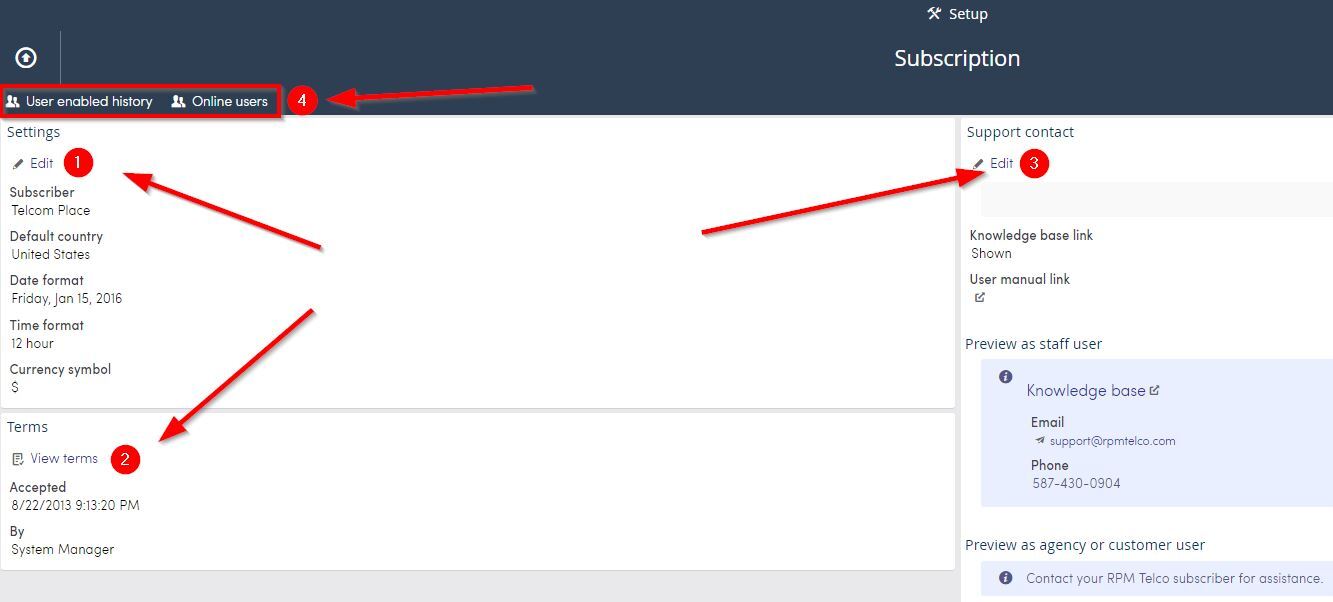
On the subscription settings page you can modify global changes such as your subscriptions' name, date an time format as well as view your contract terms.
Click Subscription settings from the Setup page.
1. Settings, you can:
- Edit the name of your subscription
- Change the Default date format
- Change the Time format
- Change the Currency symbol
2. Terms: View your contract terms.
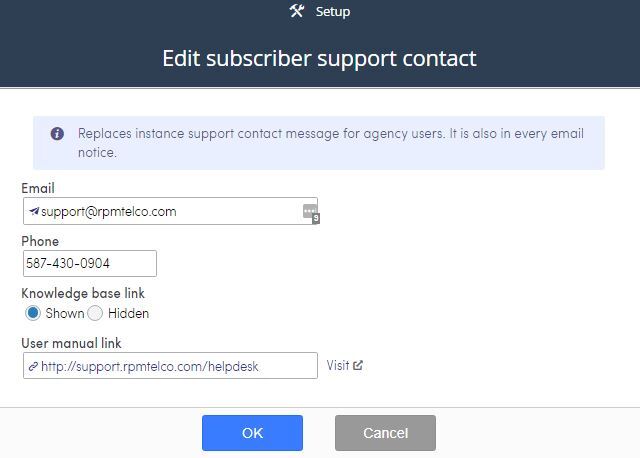
3. Support contact: click Edit to create a message that shows for agency and customers users on their help page and will also show in email notifications.
4. User Reports: User enabled history and Online users .