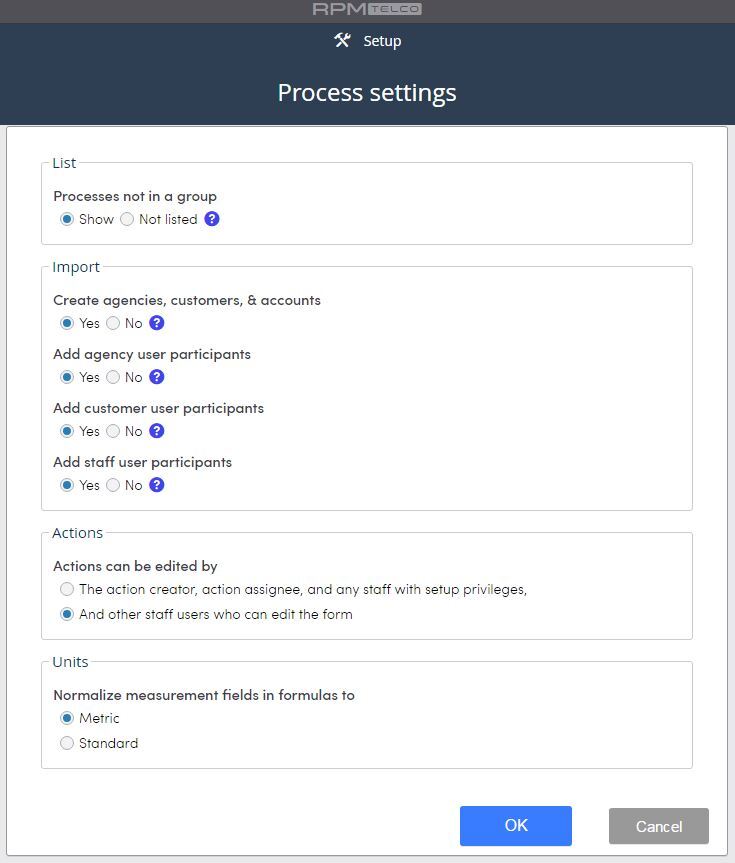
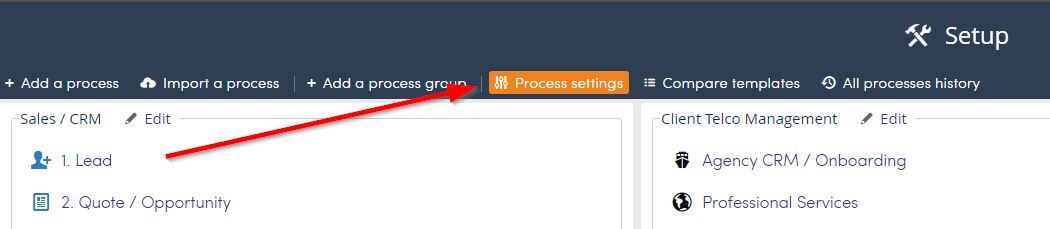
Top Menu >> Setup >> Process settings
Process settings will allow you to setup List, Import, Action and Unit settings for processes.
Click Process settings.
- List: Use this option to hide processes that are not part of a process group.
- Import: Determine here if you want agencies, customer, accounts or participants added when data is imported.
- Actions: Security setting for actions and editing of actions.
- Units: Select units.