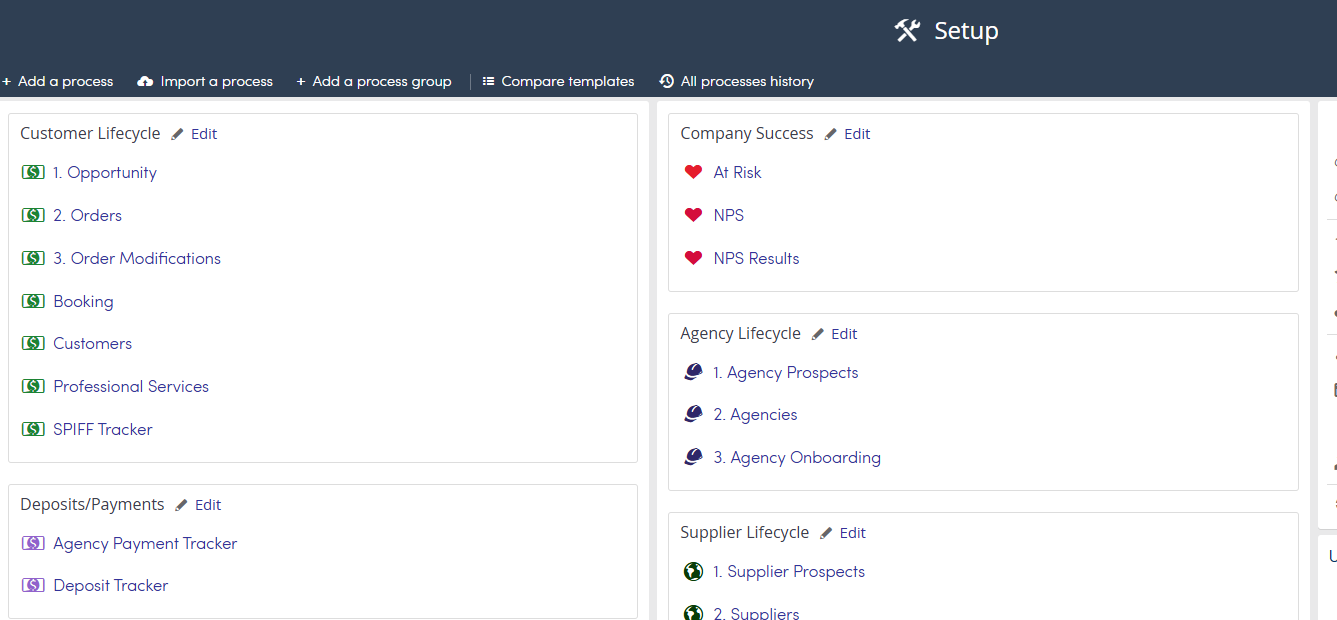
Process Groups are used to help organize your Processes into categories so that your team can easily find them. "Ungrouped" and "Ungrouped (archived)" Processes will not appear on your Processes main page.
Top menu >> Setup
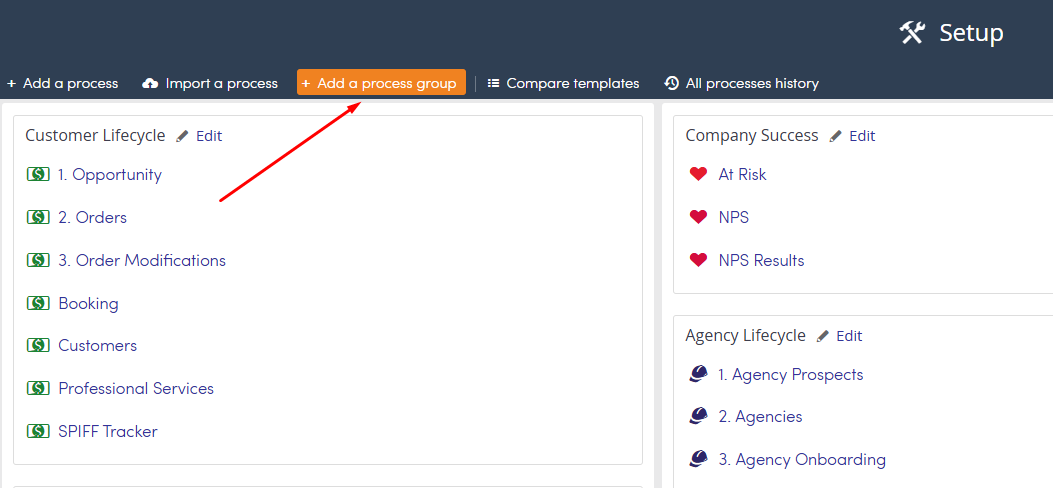
From the Setup page click + Add a process group.
Enter the name of the group.
Click OK when done.

You can then drag and drop processes into the group or drag and drop the group to move the entire group.