Layout Quick Share
Enable Quick Share from Settings.
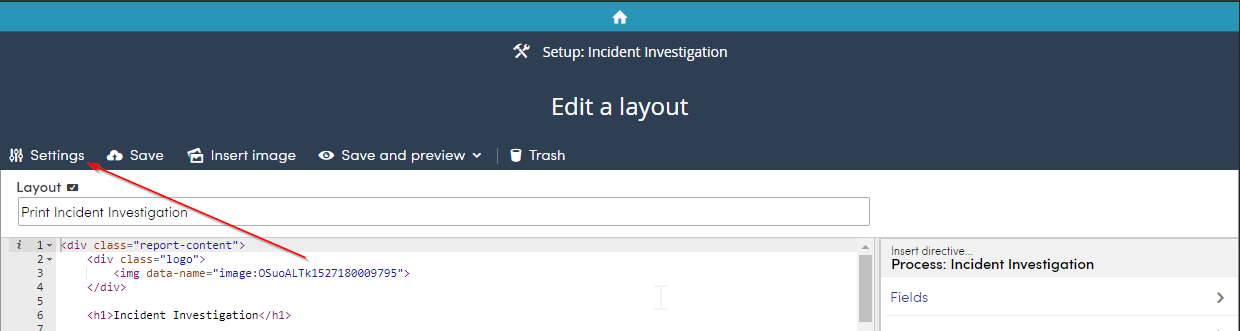
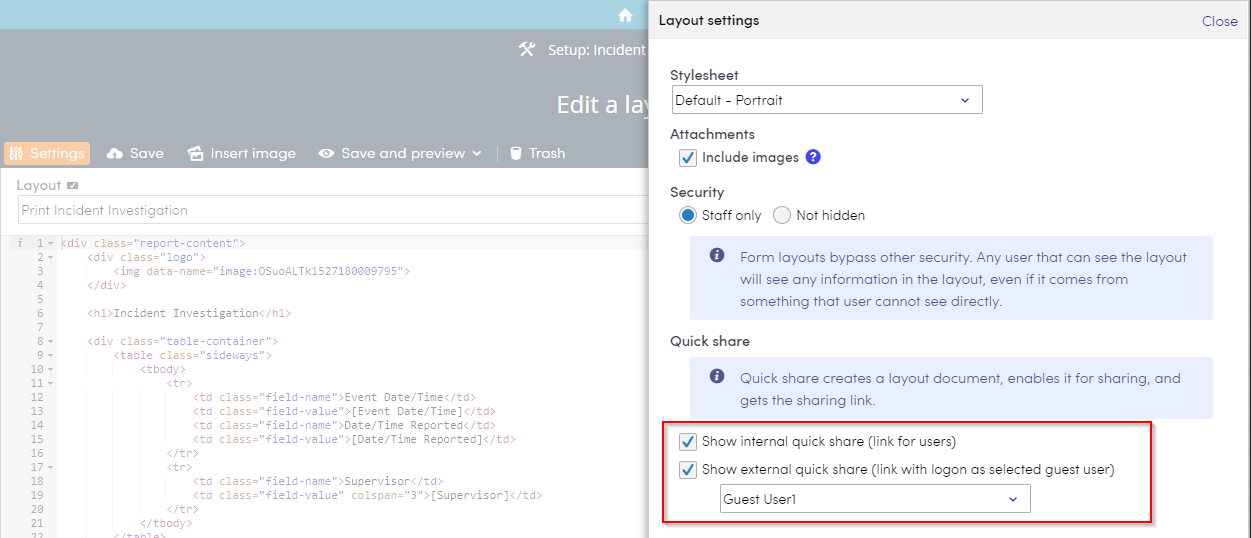
There are two quick share options, internal and external. Internal quick share is to be used for users. External quick share is to be used for non-users. When you check external, you'll need to select a guest user and Not hidden for the Security . Sharing layouts externally will allow whoever to access the layout, its information, and be able to save and print it.
Enabling Quick Share will be shown in Share.
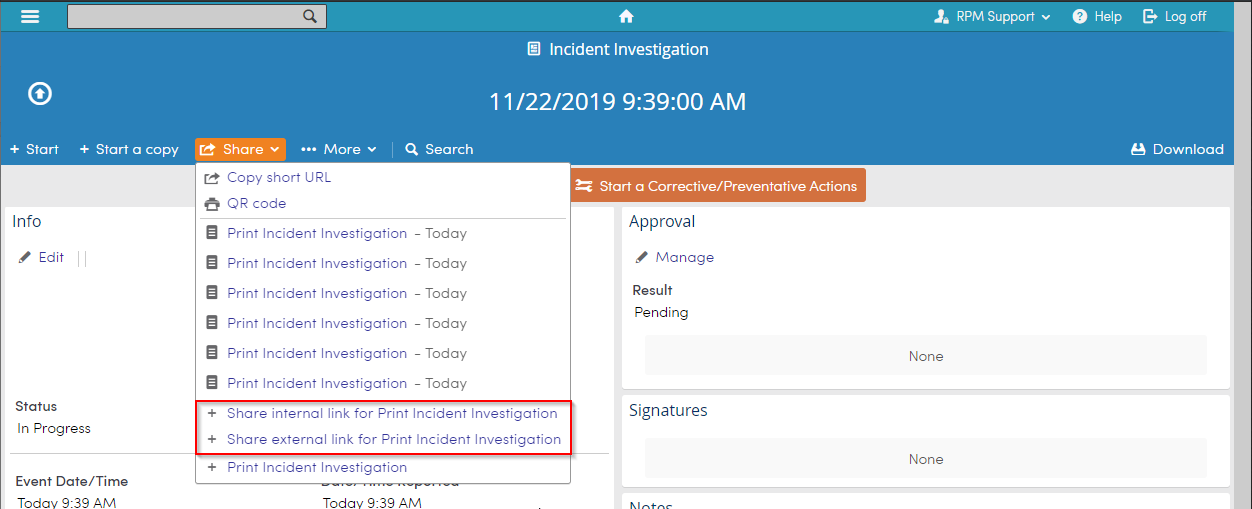
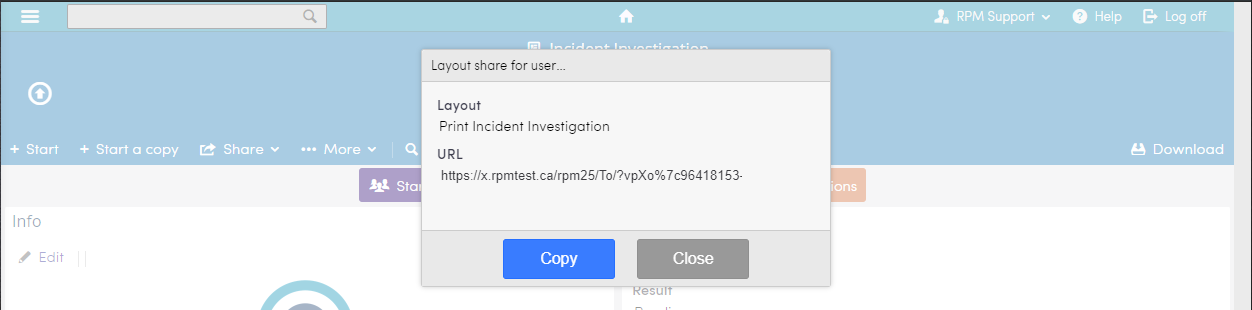
Selecting either option will provide the user the ability to copy a URL to share.