Copying a supplier is a quick way to create multiple new suppliers containing the same information. For example setting up multiple suppliers containing the same import matrix.
Top Menu >> Suppliers
The copy functionality covers the following:
- Supplier custom field values
- Schedules (commission groups and their tiers and rates per pay plan)
- Import matrixes (only if you are not using any legacy variables)
Note: Copying a supplier will not copy any transfers setup. New transfers would need to be setup.
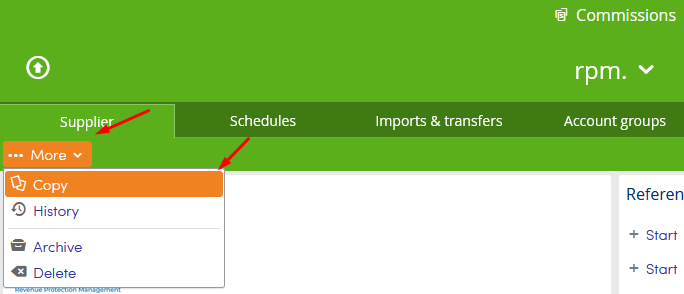
From the Supplier tab click More and then Copy.
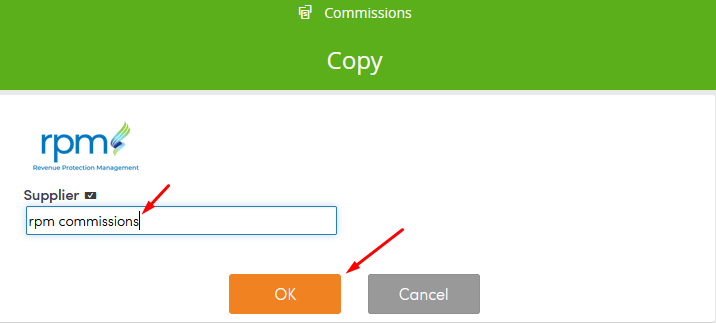
Enter the name of the new supplier, and click OK to save.