This article assumes you have downloaded Microsoft Power BI Desktop version.
Open Power BI Desktop.
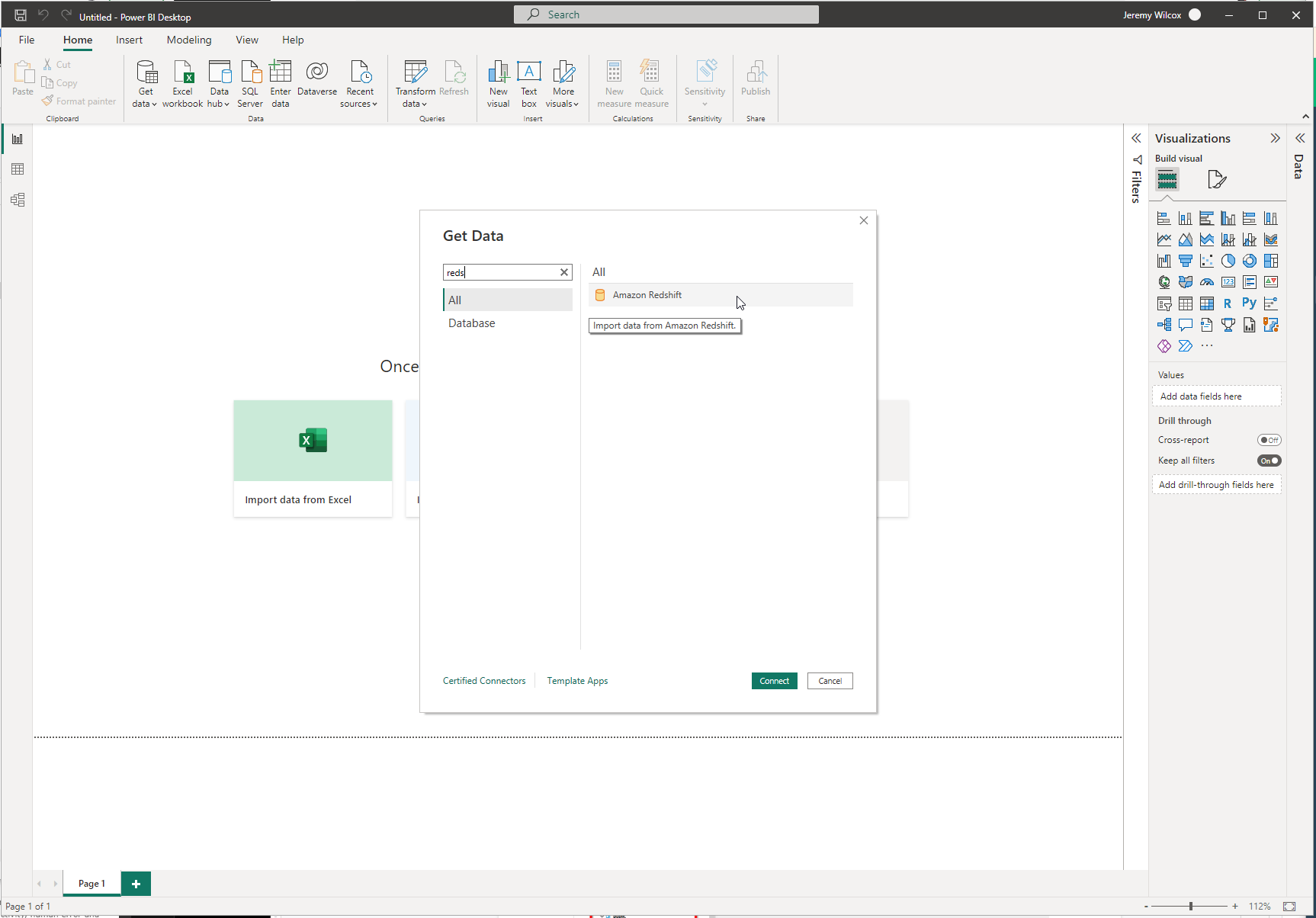
Get data >> More... >> Search: Redshift >> Connect
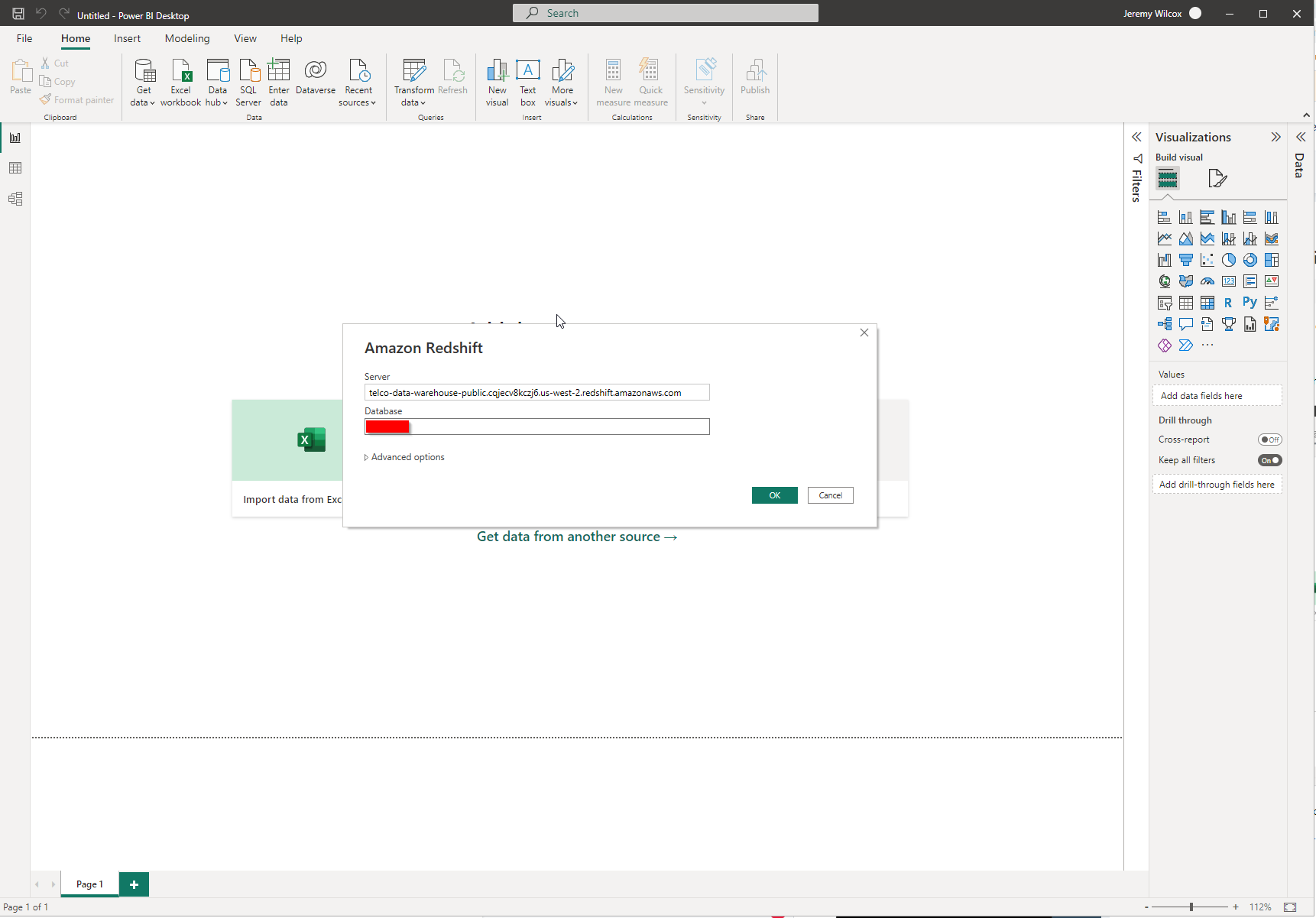
Enter the information provided by RPM >> OK
Server: telco-data-warehouse-public.cqjecv8kczj6.us-west-2.redshift.amazonaws.com
Database: [provided by RPM]
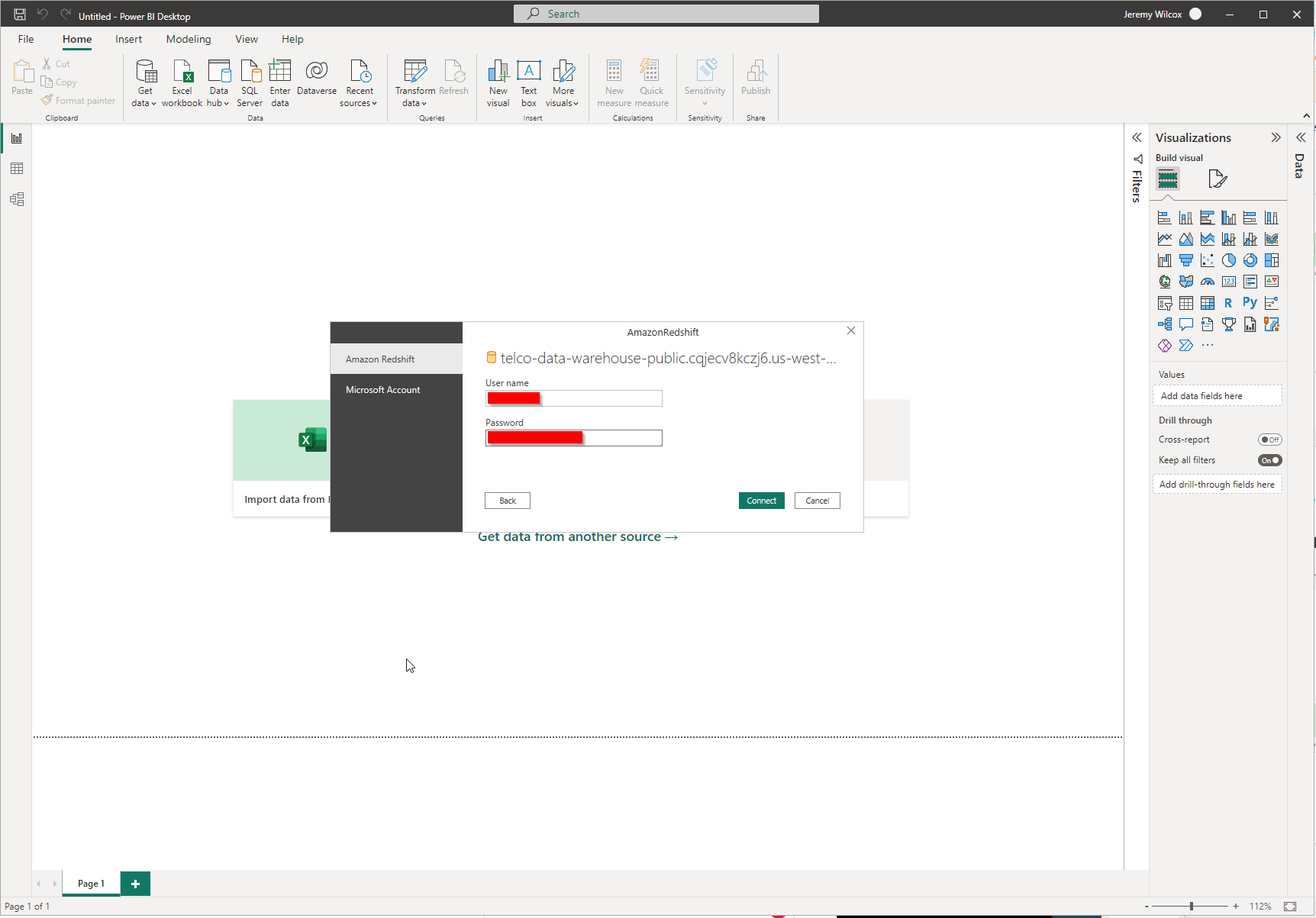
Enter your username and password provided by RPM >> Connect.
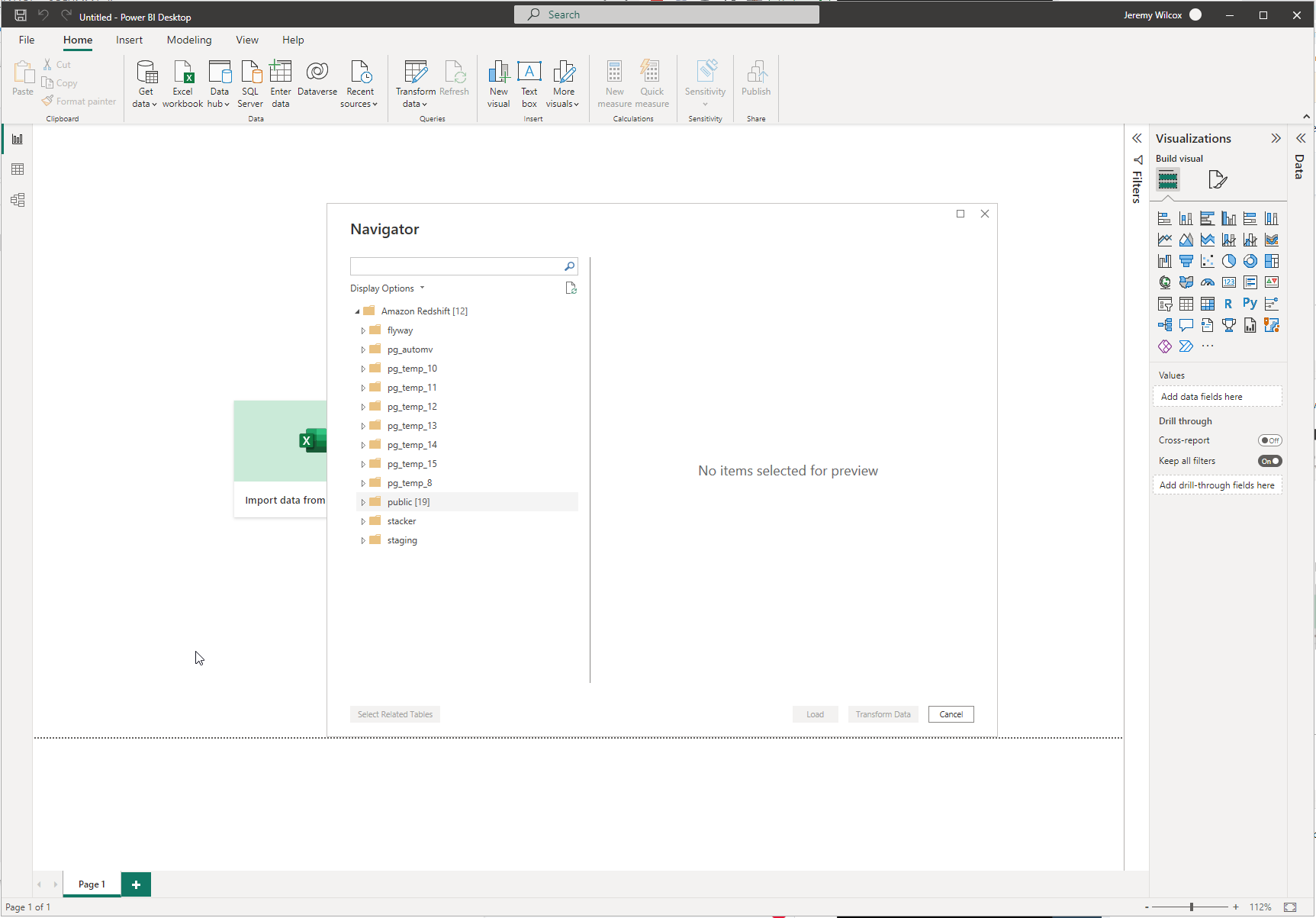
If everything was entered correctly you will be directed to the Navigator and be able to select and transform data.