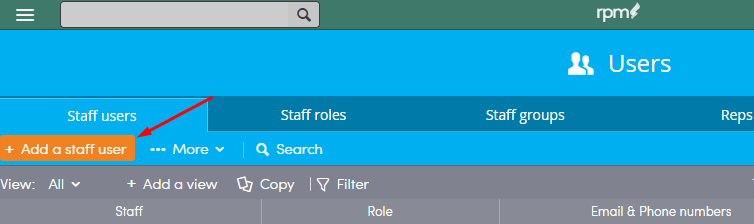
To Add a staff user, click the Top Menu Button and choose Users.

Click + Add a staff user.
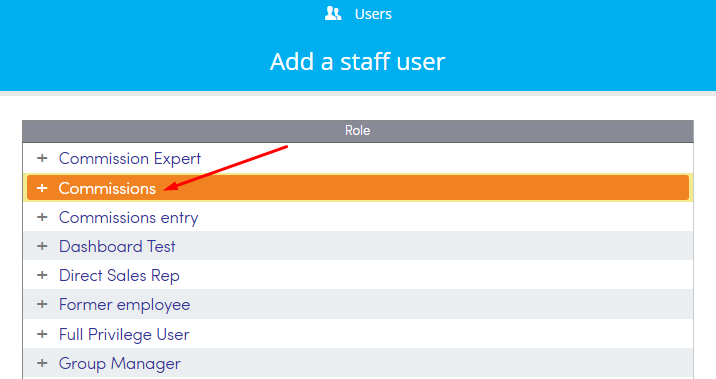
Select a Role that you want the user to have.
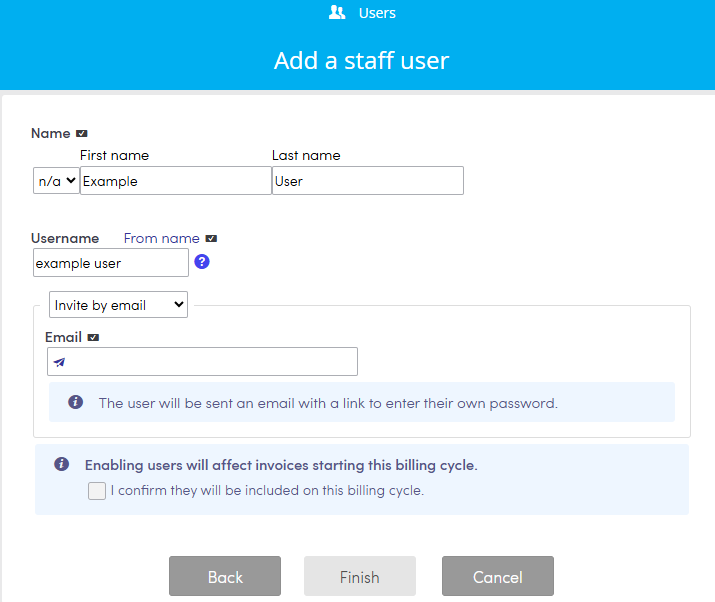
Choose a salutation from the drop down list and enter the first and last name of the new user in the text boxes. Select a unique Username for them.
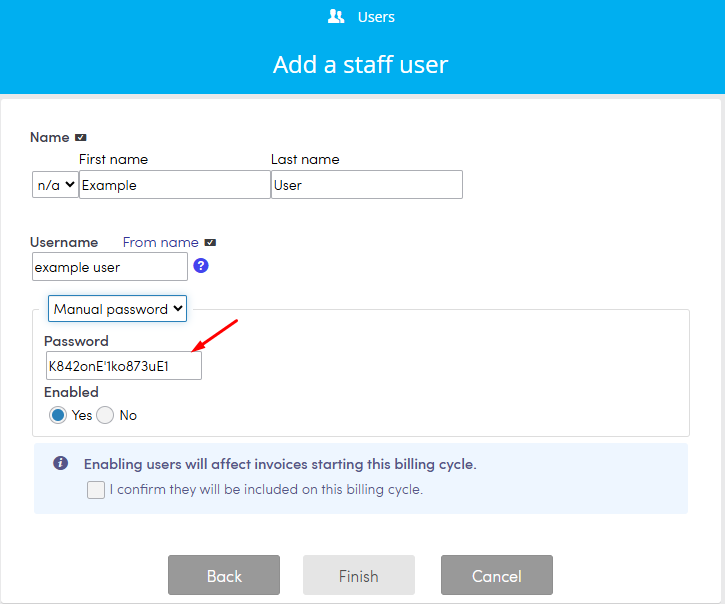
Select if you want to send them an email invite right away, or set a manual password for them.
Note: If you want a user profile created, but not active select Manual password.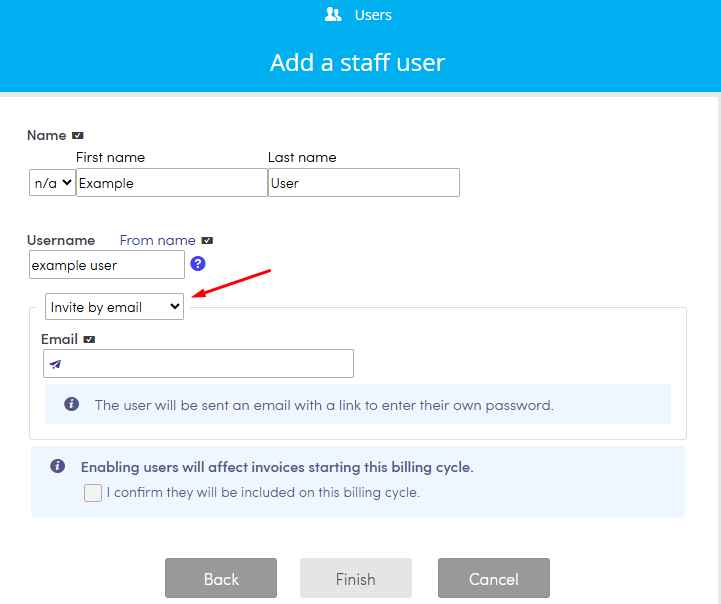
Invite User by Email
To invite the new user by email, enter their email address in the text box provided. Click the check box confirming that the billing will start for the user and click Finish to send the invite.
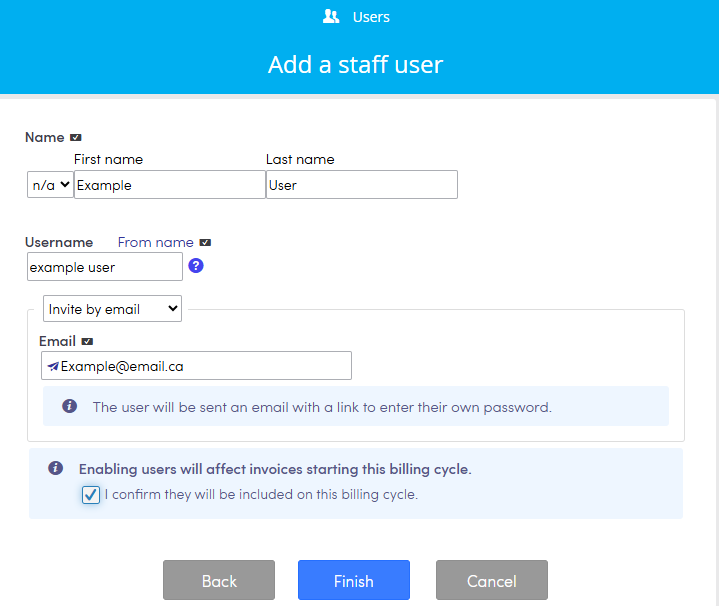
The new user will receive an email with a link to step their password.
Manually Create Password For User
You can also choose to create a manual password for the new user. Choose Manual passwordfrom the drop down box and enter the password in the text box provided. If you choose to assign a manual password you will have to provide the new user with that information. Click the check box confirming that the billing will start for the user and click Finish to send the invite.